
Every single day, millions of drivers get into their cars, pick up their smartphones, open a maps application, type in the exact same address they visit five times a week, wait for the route to calculate, and hit Start.
It takes anywhere from four to seven taps. Worse? Every single time you do it, big-tech algorithms log your departure timestamp, your exact geo-coordinates, and your destination to build a behavioral advertising profile.
We believe getting to work, picking up your kids, or driving to the gym shouldn’t require a data transaction. Enter SeNDmeTo—a revolutionary utility app for Android designed to do two simple things: get you moving in a single tap, and keep your daily routines 100% your own business.
The Hidden Friction (and Privacy Cost) of Daily Driving
Most modern GPS applications are brilliant at calculating traffic, but they are terrible at repetitive workflows.
Think about your weekly driving habits. Roughly 80% of your trips are directed toward places you already know: your office, your partner’s house, your favorite supermarket, or your gym. Yet, standard navigation tools treat every single departure as if you are exploring a brand-new continent.
Behind that clunky user experience lies a hidden cost: location tracking. Traditional GPS tools monitor your location continuously in the background. Even when you aren’t actively navigating, your frequent destinations are analyzed to infer where you work, what doctors you visit, and what your socioeconomic status might be.
SeNDmeTo was built as the antidote to this modern fatigue.
What is SeNDmeTo?
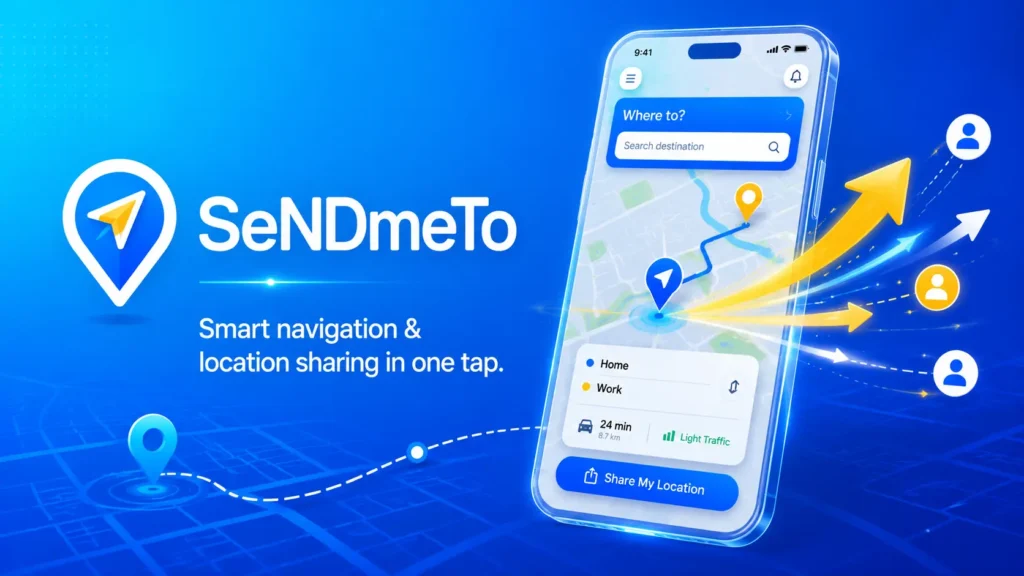
SeNDmeTo is a specialized Android navigation launcher developed by António Fradique. Instead of trying to reinvent the map, SeNDmeTo acts as a high-speed, hyper-secure bridge between your saved local addresses and the powerful navigation software you already have installed on your phone.
Whether you prefer Google Maps, Waze, or any other standard system GPS tool, SeNDmeTo sits on your home screen as your ultimate driving shortcut.
You open the app, tap your destination once, and your phone instantly switches to your favorite GPS engine with the turn-by-turn route already locked in and ready to guide you.
4 Reasons Why SeNDmeTo Will Upgrade Your Commute
1. True One-Tap Navigation
No typing, no searching recent history, and no waiting for cloud suggestions. You assign custom tags and colors to your favorite places (e.g., a green button for “Home”, a blue one for “Office”). One tap is all it takes to trigger the GPS.
2. Zero Cloud Servers (100% Local Storage)
Your privacy is our baseline architecture. SeNDmeTo does not own external storage servers. Every single address, label, and coordinate you save lives strictly on your device’s local memory. If we don’t have a server to store your data, your data can never be hacked, leaked, or sold.
3. Ephemeral Location Access
Unlike traditional map software that constantly pings your GPS chip, SeNDmeTo requests your location ephemerally—meaning it accesses your coordinates for a fraction of a second solely to pass your starting point to your navigation app, and then instantly closes the connection.
4. Safer, Distraction-Free Departures
Spending 30 seconds staring at your screen in a busy parking lot trying to configure a route is a safety hazard. By reducing your pre-drive setup to a single instantaneous touch, you keep your eyes up and your focus on the road.
SeNDmeTo vs. Traditional Navigation Apps
How does a dedicated route organizer compare to standard built-in map software?
Feature Traditional GPS Apps SeNDmeTo Taps to start a daily routine 4 to 7 taps 1 tap Data Storage Cloud Servers Strictly Local (Your Phone) Background GPS Tracking Yes (Continuous) No (Zero background activity) User Account Required Yes No sign-up required Ad-profiling based on routes Yes Never How to Set Up Your Instant Routes (3 Simple Steps)
Getting started takes less than two minutes:
Download the App: Get SeNDmeTo directly from the Google Play Store. (No email registration or login required).
Create Your Tags: Add the street address or drop a pin for your most frequent destinations. Name the button and pick a visual color code.
Tap and Drive: Next time you sit in the driver’s seat, open SeNDmeTo, hit your tag, and start driving.
Frequently Asked Questions
Is SeNDmeTo a standalone GPS mapping app?
No. SeNDmeTo is a smart destination organizer and GPS launcher. It relies on third-party navigation apps already installed on your Android device (like Google Maps or Waze) to render the actual visual map and speak the turn-by-turn directions.
Does SeNDmeTo work without an internet connection?
The SeNDmeTo interface works 100% offline because your tags are saved in your phone’s storage. However, generating the live route will depend on whether your chosen GPS engine (e.g., Google Maps) has offline maps downloaded.
What happens to my saved routes if I buy a new phone?
Because we do not store your data in a central cloud to protect your privacy, your routes remain securely bound to your physical hardware. When moving to a new device, you will simply set up your favorite quick-taps again.
Is the application free to use?
Yes! SeNDmeTo is completely free to download and use on Android.
Take Back the Driver’s Seat
Technology is supposed to save us time, not harvest our habits. If you are tired of typing the same street names every morning, or if you simply want a cleaner, more private relationship with your smartphone’s GPS, it is time to simplify your dashboard.
Organize your routes locally. Protect your footprint.
Download SeNDmeTo on Google Play today and experience the freedom of one-tap navigation.

Check the destination before the first drive
Save the entrance you actually use. A street address can lead to the front gate while the car park is on another road. Open the saved destination once and compare it with the intended access point before relying on a one-tap route.